Power supply and VRM capacitors operate under demanding thermal and electrical conditions, often close to their ripple-current and temperature ratings for years at a time. Understanding what each group of capacitors does in the power-delivery network (PDN) makes the difference between a genuinely useful upgrade and a cosmetic recap that risks stability or lifetime.
Multiphase VRM Architecture
Modern CPU and GPU voltage regulators are synchronous buck converters built from multiple identical phases in parallel, all fed from a common 12 V rail. Each phase has its own high-side and low-side MOSFETs, inductor, and usually a small local output capacitor bank, with the phases interleaved in time.
Interleaving means each phase switches at the same frequency but with a phase shift, so the effective ripple frequency at the output is multiplied by the number of phases and parts of the ripple cancel out. For example, a 6‑phase VRM switching at 300 kHz per phase presents effective ripple components in the MHz range at the capacitor bank, which greatly reduces required capacitance for a given ripple level compared with a single high‑current phase.
More phases reduce per‑phase current, lower inductor ripple current, and spread heat dissipation across more components, which reduces stress on both inductors and capacitors for a given load. However, ripple amplitude and transient behavior still depend strongly on inductor values, control‑loop tuning, and the mix of bulk, polymer, and ceramic capacitors on the output; throwing more phases at a weak layout or poor capacitor choice does not magically fix the design.
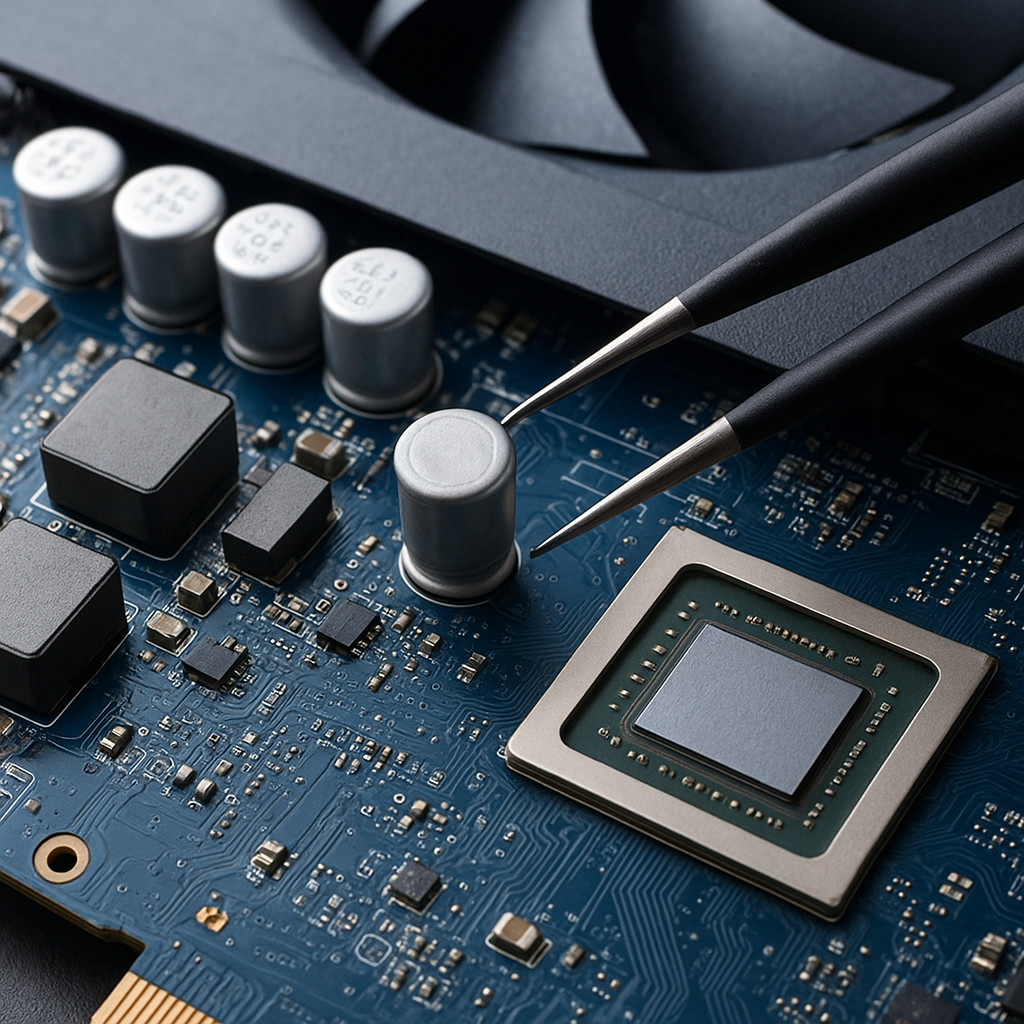
Role of Bulk Caps and Output Caps
In a PC power system we typically distinguish three capacitor groups: primary bulk capacitors on the high‑voltage side of the PSU, secondary bulk/output capacitors on the low‑voltage rails inside the PSU, and VRM input/output/decoupling capacitors on the motherboard or graphics card. Each group sees different voltages, frequencies, and stress profiles, so “good” specs for one position can be totally wrong in another.
Primary bulk capacitors are the large 200–450 V aluminum electrolytics directly after the bridge rectifier. Their job is to store energy between peaks of the rectified mains waveform and feed the main converter (and often the PFC stage) with a relatively stiff DC bus. They see twice‑line frequency ripple (100/120 Hz) plus some higher‑frequency components rather than the main switching frequency, so capacitance and ripple‑current rating dominate; ESR still matters, but not nearly as aggressively as on the low‑voltage side.
Secondary bulk/output caps in the PSU sit on the rectified low‑voltage rails (12 V, 5 V, 3.3 V) and must handle switching‑frequency ripple from tens or hundreds of kilohertz plus large load transients. Here, low ESR, adequate ripple‑current rating, and appropriate impedance versus frequency are critical: a cap with “enough µF” but too high ESR or too low ripple rating will run hot and dry out quickly even if the ripple voltage looks acceptable when new.
On the motherboard or GPU, bulk input caps on the 12 V side of the VRM absorb current pulses drawn by the phases, while output bulk caps on the low‑voltage side provide energy for slower load steps (microseconds and slower). Ceramics and small polymer caps at the VRM output and near the CPU/GPU package take care of high‑frequency transients that the VRM control loop cannot follow in time.
ESR, ESL and Ripple in Switch-Mode PSUs
Typical ATX PC power supplies use a main switching frequency in roughly the 50–150 kHz band, with many modern designs also employing higher‑frequency stages or PFC converters operating in the low‑hundreds of kilohertz. At these frequencies, even a modest increase in ESR produces significant internal heating because ripple power scales approximately with the square of ripple current (P ≈ Iripple2 × ESR). This is why reputable PSUs use low‑ESR capacitors from established manufacturers and specify high ripple‑current ratings rather than chasing capacitance alone.
The ATX12V design guides specify maximum output ripple and noise of around 120 mV peak‑to‑peak on the +12 V rails and 50 mV peak‑to‑peak on the +5 V, +3.3 V and +5VSB rails, measured with a 20 MHz oscilloscope bandwidth and defined test capacitors at the output terminals. In practice, aging or failed secondary‑side electrolytics often push +12 V ripple far beyond 120 mVpp under GPU or CPU load, which shows up as coil whine, crashes under load, or sensitivity to overclocking and transient spikes.
ESR vs ESL and Impedance Curves
Capacitors in a SMPS are best thought of by their impedance versus frequency rather than ESR alone. ESR sets the low‑frequency floor of impedance and the amount of heat generated by ripple current, while ESL (equivalent series inductance) dominates at higher frequencies and creates resonance peaks together with PCB planes and other capacitors. The goal of a good PDN design is a relatively flat, low impedance from the VRM bandwidth up into the low‑hundreds of megahertz, which requires a mix of bulk caps, mid‑value caps, and high‑frequency ceramics rather than a single “magic” value.
Aluminum electrolytics provide high capacitance at low cost but have relatively high ESR and ESL, which limits their usefulness at switching and transient frequencies. Solid polymer electrolytics trade some capacitance density for dramatically lower ESR and much better ripple‑current capability, with no liquid electrolyte to dry out; that is why they are popular on VRM outputs and high‑stress 12 V rails. Multilayer ceramic capacitors (MLCCs) offer extremely low ESR and ESL, making them ideal for the highest‑frequency decoupling close to the CPU/GPU die, but their usable capacitance drops with DC bias and they are usually employed in parallel arrays of small values.
Because the VRM control loop relies on the expected impedance of the output network, changing ESR or resonance points too aggressively (for example, replacing all electrolytics with huge banks of ultra‑low‑ESR polymers and ceramics) can move stability margins and even cause oscillations. Safe mods respect the original topology: keep similar total capacitance and ESR ranges, improve component quality and ripple‑current ratings, and add ceramics where the original design was clearly cost‑cut.
ATX Ripple Specifications and What They Mean
On paper, a PSU that meets the ATX ripple limits will usually be stable in any standard PC configuration. In the real world, ripple margins matter: a PSU that ships at, say, 70–80 mVpp on +12 V under heavy load has far less lifetime headroom than a unit that stays below 20–30 mVpp under the same conditions. Lower ripple reduces stress not only on capacitors but also on VRM MOSFETs, magnetic components, and sensitive high‑speed logic powered from those rails.
When recapping or evaluating a PSU, it is therefore more meaningful to look at measured ripple and temperature rise of the capacitors than to focus solely on brand or origin. High‑quality Japanese‑brand caps are a good proxy for consistent ESR and lifetime specs, but a carefully designed PSU with mid‑range caps that runs cool and has well‑controlled ripple is preferable to an over‑stressed design that simply uses expensive parts as a band‑aid.
When More or Larger Caps Actually Help
Adding capacitors in parallel lowers the combined ESR and increases the total ripple‑current capability and capacitance. This can be a genuine upgrade when the original design used marginal caps (for example, budget boards with a few general‑purpose electrolytics on the 12 V input of the VRM) or when you are replacing failed caps and have room to slightly overspec the replacements in capacitance and ripple rating.
On secondary PSU rails and VRM outputs, paralleling modern polymer caps with remaining good electrolytics is a common and usually safe mod: the polymers take most of the high‑frequency ripple current thanks to their low ESR, while the electrolytics contribute extra bulk capacitance at lower frequencies. This can noticeably reduce ripple and improve transient response, especially on budget mainboards and GPUs that originally skimped on polymer or ceramic capacitance.
However, there are limits. Excessively increasing capacitance or driving ESR too low can slow the response of some older controllers or remove an ESR “zero” that the control loop expects for stability, leading to overshoot, ringing, or oscillation under load steps. As a rule of thumb, staying within roughly 1.5–2× the original total capacitance and using parts with similar or slightly lower ESR is safe for most PC hardware; anything more extreme should be verified with an oscilloscope and, ideally, a programmable load.
Decoupling Around CPU and GPU VRMs
The VRM itself only has finite bandwidth, typically in the low‑hundreds of kilohertz, so it cannot react instantly to the fastest current steps demanded by a modern CPU or GPU. For nanosecond‑to‑microsecond events (for example, a core cluster waking up or a shader block switching states), the local decoupling network must supply current while the VRM loop catches up. That is why you see several “tiers” of capacitors between the VRM and the silicon.
On most boards, larger bulk or polymer caps sit at the VRM output to handle lower‑frequency load steps and keep the average voltage stable. Closer to the socket or GPU package, banks of MLCCs with values in the 10 nF–100 µF range provide low impedance up into the tens or hundreds of megahertz, working together with the power and ground planes to keep the instantaneous voltage within tight tolerance. Good mods respect this hierarchy: you can upgrade marginal bulk or polymer caps, but you should never remove ceramic arrays or replace them with a few big electrolytics “because they look nicer.”
In high‑current systems (overclocked CPUs, high‑end GPUs, or ASIC miners), maintaining a low and flat PDN impedance is especially important because current transients are large and frequent. Here, improving the mix of decoupling caps, reducing loop inductance with shorter traces or better plane connections, and ensuring that replacement caps have appropriate ESL can have as much impact on stability as raw capacitance numbers.
Lifetime, Temperature and Ripple Ratings
Electrolytic capacitor lifetime is dominated by core temperature and ripple current: high ripple current heats the electrolyte, accelerating evaporation and increasing ESR over time. A recap that reduces ripple current and lowers operating temperature by even 10–15 °C can translate into several times longer service life compared with a marginal original design run hot near its ratings.
Solid polymer electrolytics do not contain a liquid electrolyte that can dry out, so they generally maintain their ESR and capacitance much better over time under thermal stress. Their trade‑off is higher cost and, for a given case size, lower capacitance than traditional aluminum electrolytics. A sensible upgrade path on motherboards, GPUs, and mining hardware is therefore to replace failed or mediocre electrolytics in high‑stress positions with polymers from reputable series, while keeping electrolytics where only large bulk capacitance is needed and thermal stress is modest.
Common Modding Mistakes
Voltage rating is easy to overlook. Replacing a 16 V capacitor on a 5 V rail with a 6.3 V part technically meets the minimum requirement, but leaves relatively little headroom for ripple and voltage spikes, especially in hot environments. As a rule, target at least 20–30 % margin above the maximum rail voltage and, where space allows, prefer 10 V parts on 5 V rails and 6.3 V or higher on 3.3 V rails.
Using “audio‑grade” electrolytics in switching positions is another classic error. Many of these parts are optimized for low distortion at audio frequencies and can have relatively high ESR and poor high‑frequency characteristics, which is exactly the opposite of what you want on a VRM output or SMPS secondary. Always choose capacitors from low‑ESR, high‑ripple series specifically intended for switching power supplies and VRM use.
Blindly swapping capacitor technologies without checking ripple‑current ratings and impedance curves can also backfire. For example, replacing a few high‑quality polymers with general‑purpose electrolytics of the same capacitance value may keep the board booting initially, but ripple current and ESR will be much higher, raising temperatures and shortening life. Conversely, replacing every electrolytic with ultra‑low‑ESR polymers without considering control‑loop stability can introduce oscillations or overshoot.
Mechanical details matter too. Long leads and creative “dead bug” mounting add inductance and can negate the benefits of low‑ESR caps, especially at VRM outputs where nanosecond‑scale transients dominate. Whenever possible, keep lead lengths short, follow the original current paths, and avoid stacking caps in ways that change airflow or create hotspots between components.
Finally, never sacrifice ceramic decoupling around CPU and GPU sockets just to make room for bigger through‑hole capacitors. Those MLCC arrays are what actually keep the silicon stable at GHz switching edges; removing them will almost always make transient behavior worse, no matter how impressive the replacement bulk caps look.
Check the MinerCompare platform if you are also interested in comparing ASIC mining hardware. The PSU and VRM capacitor quality in a mining rig is just as critical as in a gaming PC, since miners run at continuous full load 24/7 and are extremely sensitive to ripple, PDN impedance, and thermal stress.